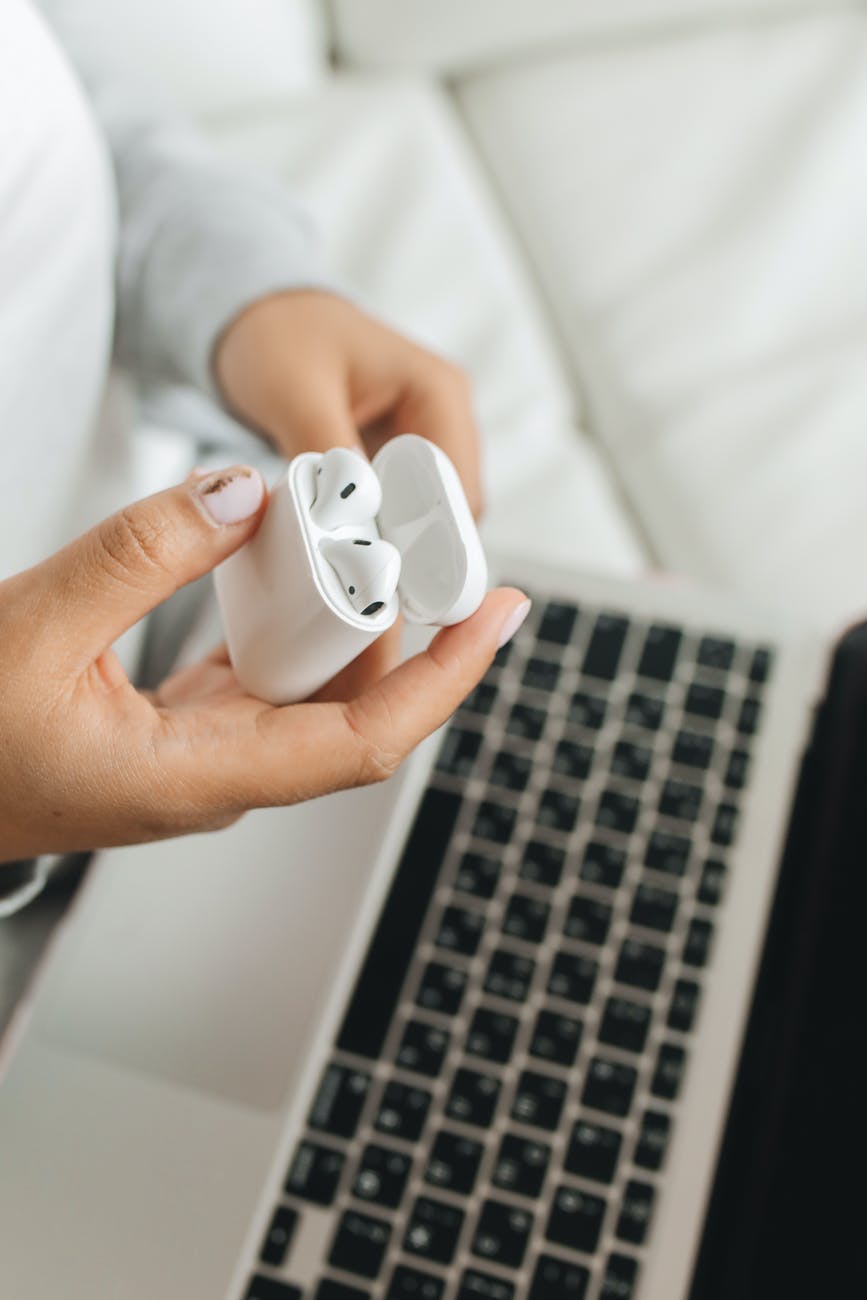
So, can you use AirPods and earbuds on a plane? Do AirPods work on a plane? And will AirPods work in airplane mode?
Generally you can use AirPods on a plane and they will work fine on planes even when your phone is in airplane mode. You can generally use them during the flight, but always follow your airline’s and flight attendant instructions during takeoff and landing.
In this post I will cover everything you need to know about traveling with AirPods and earbuds, how to use them on airplanes, and whether they will work properly on any airplane.
Let’s dive right in.
TL;DR
You can use AirPods on a plane on most airlines without any issues.
AirPods will work in airplane mode because they connect to your phone through Bluetooth, not cellular data or Wi-Fi.
AirPods are allowed on planes and you can bring them through airport security and pack them in either your carry-on or checked baggage.
Some new airplane entertainment systems support Bluetooth, but many still need a Bluetooth transmitter like an AirFly to use AirPods with the seat-back screen.
You can use AirPods with iPhone, Android phones, and laptops, including for downloaded music, podcasts, and videos without internet.
Many passengers worry about whether their AirPods will work when their phones are on airplane mode.
Yes, as long as Bluetooth is allowed on the plane, AirPods will work just fine even when airplane mode is activated.
Just like using any other wireless headphones, the Federal Aviation Administration (FAA) allows passengers to use AirPods on planes. However, cellular data is not allowed to use, which is why you will be required to switch your phone to airplane mode during your flight.
Can You Wear AirPods Through The Security Checkpoint?
There are no restrictions on taking AirPods through the security checkpoint.
The TSA has no specific rules that restrict taking or flying with AirPods, as they are small and do not pose any potential safety threat.
The TSA requires only electronics larger than a cell phone to be placed in a separate bin. However, you will be required to place your AirPods with your other items for screening, but if they are inside your carry-on bag, you don’t need to take them out.
Tip
Do AirPods Work in Airplane Mode? How to Connect Them
Photo by Polina Tankilevitch on Pexels.com
Yes, and connecting your AirPods to your device is quite simple.
After takeoff, you can turn on your device and activate airplane mode to deactivate cellular data.
For your iPhone, there is a good chance that you already know how to do this, but here is a quick reminder: go to the Home Screen.
Hold your charging case near your iPhone. A setup animation will appear on your iPhone. Then press Connect.
For Android, make sure Bluetooth is on and go to:
Settings > Connected Devices > Bluetooth
If you have AirPods or AirPods Pro, open the case, keep it near your Android device, and press the white button on the back of the case until you get a pop-up message on the screen. Then tap Connect.
If you’re having trouble connecting your AirPods on your flight, make sure your AirPods are fully charged and Bluetooth is turned on for the device you want to use. You can also reset your phone or laptop before trying to connect them again.
If any of these solutions do not work, try resetting your AirPods and reconnecting them. This way, your AirPods should work just fine.
Can You Connect AirPods to an Airplane TV?
Some new aircraft and upgraded inflight entertainment systems have Bluetooth, so you can connect your AirPods directly to the seatback screen.
But, this depends on the airline and aircraft you are flying, so it’s still a good idea to bring a wired option or Bluetooth transmitter such as AirFly just in case.
Can You Use Airpods On a Plane? Airlines Rules
Yes, most airlines allow the use of AirPods on their flights without any problem.
Here are some replies from major airlines about using AirPods on airplanes:
American Airlines AirPods Rules
AA replies to Kevin that he can use AirPods on American Airlines flights after takeoff.
The good thing is that most American Airlines aircraft are equipped with seatback entertainment that have Bluetooth connectivity.
JetBlue AirPods Rules
Sarah asked JetBlue if Bluetooth headphones are allowed on board.
And JetBlue customer service replied that it is okay to activate Bluetooth headphones unless notified by the JetBlue crew during takeoff and landing.
Delta Airlines AirPods Rules
Delta replied to this use that you can use AirPods on Delta Airlines, but not all Delta entertainment systems have Bluetooth connectivity
Southwest Airlines AirPods Rules
Blake checked with Southwest Airlines to see if Bluetooth is allowed on their planes, and Southwest customer service answered that Bluetooth is allowed to sue on their own device without any problem.
Lufthansa AirPods Rules
You can use Bluetooth headphones on Lufthansa, you can also connect your Bluetooth headphones or AirPods to most Lufthansa’s inflight system.
Which AirPods Are Best For Travel?
There are so many reasons why AirPods are so popular and good for traveling.
They’re lightweight, easy to use and carry, and they also work well when connected to almost any device.
Aircraft cabins are louder, and if you are a fan of AirPods, don’t miss a pair of noise-canceling AirPods. Surely, you want to enjoy your favorite podcast, music, or movies without distractions.
If you are looking for something cheaper than the second-generation AirPods that is noise-canceling and lightweight, consider these Sony EXTRA BASS Noise Canceling Headphones.
You can also check out the Bang & Olufsen Beoplay Wireless Noise Canceling Headphones.
They offer exceptional sound quality and easy Bluetooth pairing and are compatible with Android, iPhone, and iPad.
We’ve also covered some of the best wired and wireless headphones in this post.
Where To Pack Your AirPods When You Don’t Use Them?
If you are not going to use your AirPods during your flight, or you just brought two pairs of AirPods, the best place to pack your AirPods is in your carry-on baggage.
However, AirPods are allowed in both carry-on and checked baggage, it is recommended to take them with you in the cabin even though the have small batteries.
But there is a greater risk that your AirPods will be lost or damaged during transit in your checked baggage, so it is better to keep them inside your carry-on baggage.
Final Thoughts
You can bring AirPods on a plane and they will work like a charm on most airplanes without any issues.
Just make sure not to try to connect them during takeoff or landing.
After the seat belt sign is off, you are free to use them.
You can connect your AirPods to your devices, whether it’s an Android phone or laptop. However, most airlines’ inflight system seat-back TVs will not support or connect with your AirPods unless you use an AirFly.
I hope this helps.
Happy Travels
FAQs About Using AirPods on a Plane
Can you use AirPods on a plane without Wi-Fi?
You don’t need WiFi in order to connect to your AirPods. Just connect them to your phone or other device through Bluetooth. You can listen to downloaded music, podcasts, or movies without an internet connection.
Can you use AirPods during takeoff and landing?
Most airline do recommend to turn off any electronic device during take off and landing, so If the crew asks you to switch of your device then simply follow their instructions.
Do AirPods work without internet on a plane?
AirPods don’t need internet connection to work. They connect to your device through Bluetooth, so you can use them with downloaded music, videos, or podcasts.
Can you connect AirPods to an airplane TV?
Some newer airplane entertainment systems support Bluetooth, so you can connect your AirPods directly. If the screen doesn’t support Bluetooth, you’ll need a Bluetooth transmitter such as an AirFly.
Do you need a Bluetooth adapter to use AirPods on a plane?
If you’re using AirPods with your phone, you don’t need an adapter. You may need one if you want to connect your AirPods to an airplane’s entertainment system that only has a headphone jack.
Can you use AirPods with an Android phone on a plane?
AirPods work with Android phones through Bluetooth. Turn on Bluetooth, put your AirPods in pairing mode, and connect them from your phone’s Bluetooth settings.
Can you listen to downloaded music with AirPods on a plane?
Yes there are no difference whether you want to listed to streamed or downloaded content using AirPods you can download your music, podcasts, or videos before your flight, then connect your AirPods through Bluetooth.
Can you charge AirPods on a plane?
If your seat has a USB port or power outlet and you have the right charging cable then yes, but I always like to charge my airports at home so I can use them during my flight.
Gargie, is writer, traveler & a digital marketing specialist
passionate about traveling and exploring new cultures. She is a savvy traveler who likes to pack light, testing various luggage brands and seeking out budget-friendly airline options. Gargie enjoys creating unique recipes when she’s not on the go.