So does American Airlines have TVs? And can you watch TV on American Airlines?
American Airlines is the world’s largest and a major U.S. airline, and sure, it has to have TVs in its inflight entertainment.
Want to know what is included in AA inflight entertainment and how to enjoy AA seat back screens while you’re on your flight?
In this post, I’m going to answer all your questions about American Airlines inflight entertainment and what AA aircraft have backseat TVs.
TL;DR
- Yes, some American Airlines planes have TVs on the back of the seats.
- You can watch free movies, TV shows, music, and games.
- You can also watch on your own phone, tablet, or laptop.
- You don’t need to pay for Wi-Fi to watch the free entertainment.
- Download the American Airlines app before your flight.
- Wi-Fi is available if you want to go online, starting at $10.
- Bigger planes like the Boeing 777 and 787 usually have TVs.
- You can use phones and tablets, but follow the crew’s instructions during takeoff and landing.
Does American Airlines Have TVs?
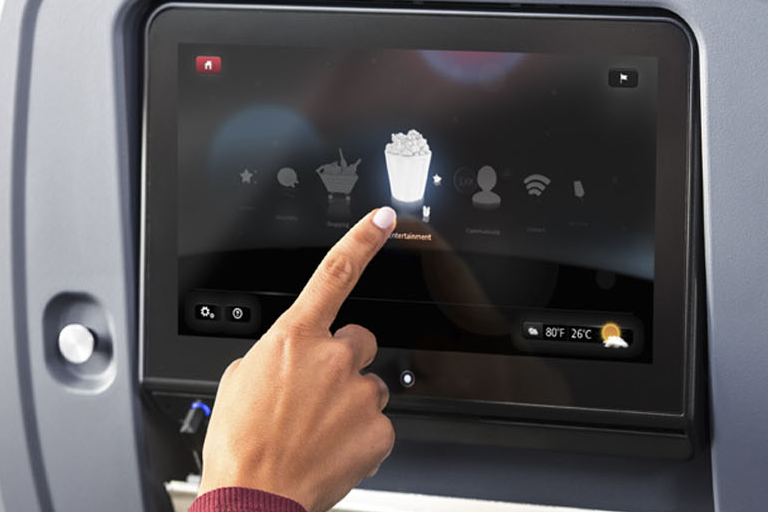
Yes, most AA airplanes have seat back screens with free movies, shows, and music.
You can enjoy a wide selection of movies and TV shows and listen to hours of audio with their free inflight entertainment including exclusive partnerships.
Here’s few screenshots from SeatGuru showing Seat back availability on some AA airplanes, but since SeatGuru is no longer operating you can use AeroLOPA instead.
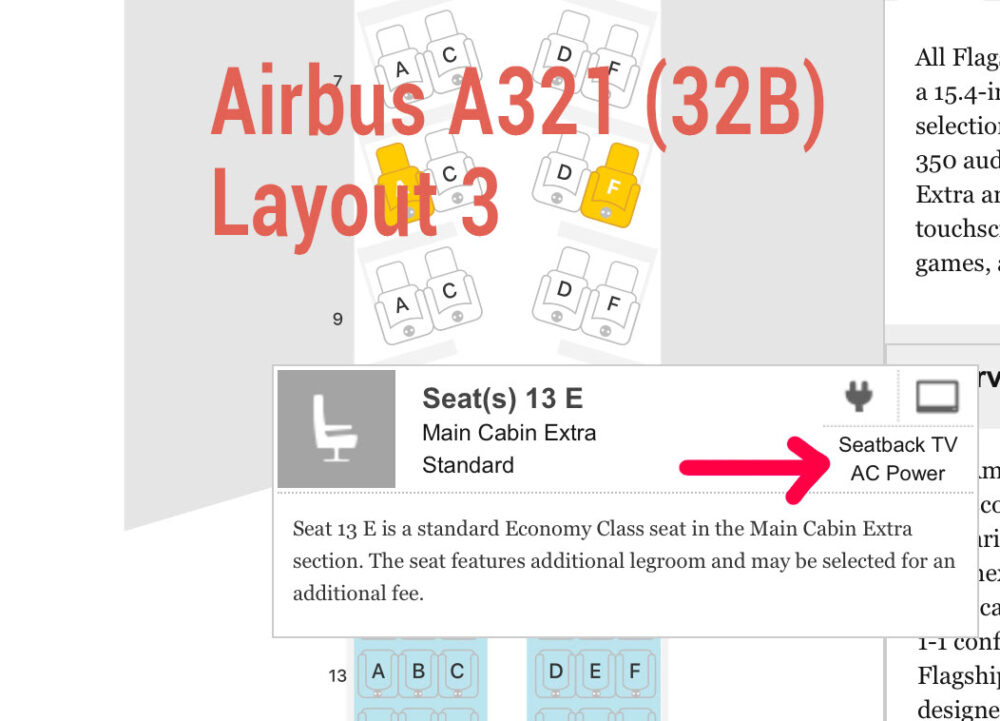
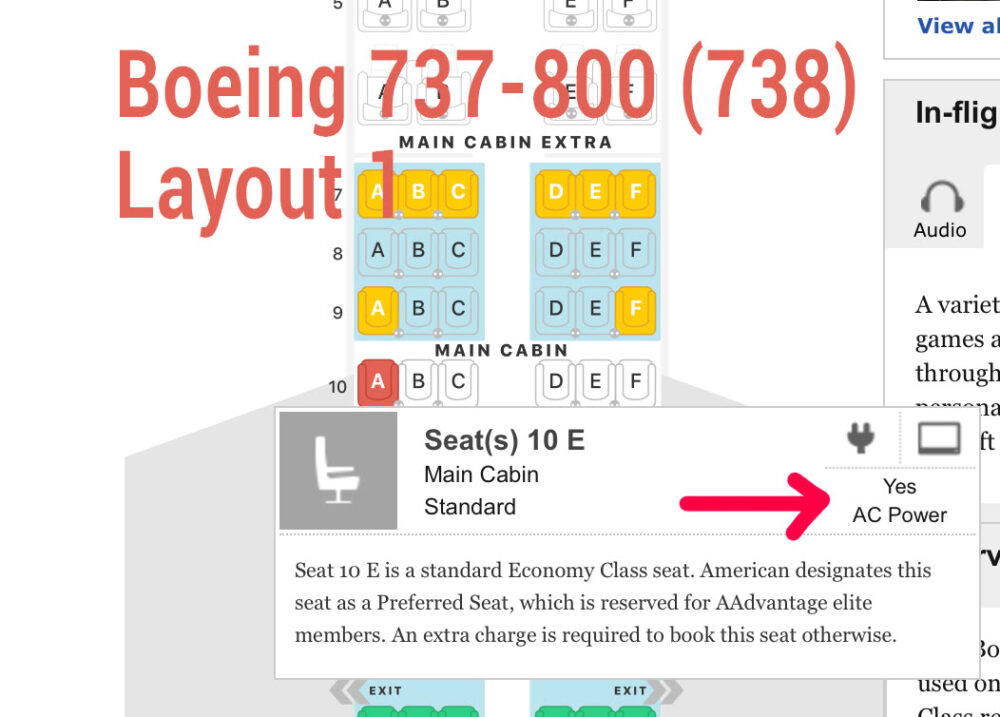
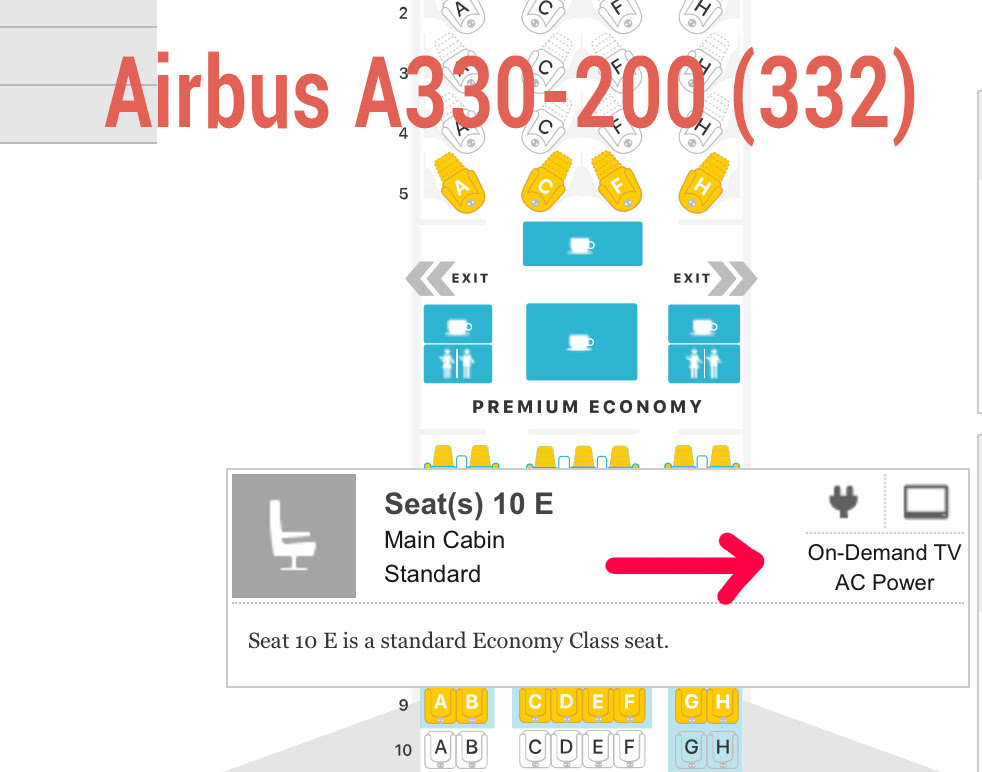
AA Aircrafts That Have TVs
| Aircrafts | Class | Entertainment |
|---|---|---|
| Airbus A319 – Version 2 – 128 seats | First | Seatback screen |
| Airbus A319 – Version 2 – 128 seats | Main Cabin Extra | Seatback screen |
| Airbus A319 – Version 2 – 128 seats | Main Cabin | Seatback screen |
| Airbus A321- Version 1 – 181 seats | First | Seatback screen |
| Airbus A321- Version 1 – 181 seats | Main Cabin Extra | Seatback screen |
| Airbus A321- Version 1 – 181 seats | Main Cabin | Seatback screen |
| Airbus A321 Transcon -6- 102 seats | Flagship® First | Seatback screen |
| Airbus A321 Transcon -6 -102 seats | Flagship® Business | Seatback screen |
| Airbus A321 Transcon -6 -102 seats | Main Cabin Extra | Seatback screen |
| Airbus A321 Transcon -6- 102 seats | Main Cabin | Seatback screen |
| Boeing Boeing 777-200 -273 seats | Flagship® Business | Seatback screen, live TV |
| Boeing Boeing 777-200 -273 seats | Premium Economy | Seatback screen, live TV |
| Boeing Boeing 777-200 -273 seats | Main Cabin Extra | Seatback screen, live TV |
| Boeing Boeing 777-200 -273 seats | Main Cabin | Seatback screen, live TV |
| Boeing 777-300ER – 304 seats | Flagship® First | Seatback screen, live TV |
| Boeing 777-300ER – 304 seats | Flagship® Business | Seatback screen, live TV |
| Boeing 777-300ER – 304 seats | Premium Economy | Seatback screen, live TV |
| Boeing 777-300ER – 304 seats | Main Cabin Extra | Seatback screen, live TV |
| Boeing 777-300ER – 304 seats | Main Cabin | Seatback screen, live TV |
| Boeing 787-8 – Version 1 – 234 seats | Flagship® Business | Seatback screen, live TV |
| Boeing 787-8 – Version 1 – 234 seats | Premium Economy | Seatback screen, live TV |
| Boeing 787-8 – Version 1 – 234 seats | Main Cabin Extra | Seatback screen, live TV |
| Boeing 787-8 – Version 1 – 234 seats | Main Cabin | Seatback screen, live TV |
| Boeing 787-8 -Version 2 – 226 seats | Business | Seatback screen, live TV |
| Boeing 787-8 -Version 2 – 226 seats | Main Cabin Extra | Seatback screen, live TV |
| Boeing 787-8 -Version 2 – 226 seats | Main Cabin | Seatback screen, live TV |
| Boeing 787-9E-285 seats | Flagship® Business | Seatback screen, live TV |
| Boeing 787-9E-285 seats | Premium Economy | Seatback screen, live TV |
| Boeing 787-9E-285 seats | Main Cabin Extra | Seatback screen, live TV |
| Boeing 787-9E-285 seats | Main Cabin | Seatback screen, live TV |
How Do I Watch Inflight Entertainment On American Airlines?
On most flights, you can stream a variety of movies and TV shows to your phone, tablet, or laptop without buying Wi-Fi.
Phone or Tablet
- Download the American Airlines app before takeoff
- Enable airplane mode and connect to the “AA-Inflight” Wi-Fi signal
- If you are not redirected, open a browser and enter aainflight.com
- Select “View free entertainment” or the entertainment button/icon
- Select your movie or TV show
Laptop
- Connect to the “AA-Inflight” Wi-Fi signal
- If you are not redirected, open a browser and enter aainflight.com
- Select “View free entertainment” or the entertainment button/icon
- Select your movie or TV show
Phones and electronic devices
American Airlines allows the use of mobile phones, laptops, and other electronic devices on board, but when advised by the flight crew.
Phone calls aren’t allowed during flight.
Please keep these things in mind during taxi, takeoff, and landing:
- Put small devices in airplane mode and either hold or place the device under your seat
- Laptops, virtual reality headsets, and other large items cannot be held and should be turned off and put away
What Is The Entertainment App For American Airlines?
If you download the AA app, you can do the following:
- Stream the AA library of free inflight entertainment to your device with the app
- Same day changes: Plans change – choose a different flight on the same day (fees may apply)
- If your flight gets delayed or canceled, you can move to another one without waiting in line
- You will save time and paper, get mobile boarding passes for up to 9 people in the same reservation
- Book your flight and redeem miles for award travel on American and partner airlines
- Check the status of your bags inflight; make delivery plans if delayed
- When you’re flying internationally, scan your passport barcode when checking in instead of entering your information manually
- Pre-order food from airport restaurants and pick it up before you board
Does American Airlines Have WiFi?
Yes, American Airlines does offer Wi-Fi on many of its flights, and all you need is the American Airlines app on your phone or tablet.
High-speed Wi-Fi is available to buy on select domestic flights.
Then you can browse the internet, check emails, and stream video services like Netflix, Hulu, and HBO faster than ever before.
To see what’s on your flight, check your boarding pass or online ahead of time.
How to connect to Wi-Fi on AA flights
Phone or tablet:
- Download the American Airlines app before takeoff
- Enable airplane mode and connect to the “AA-Inflight” Wi-Fi signal
- If you’re not redirected, open a browser and enter aainflight.com
Laptop:
- Connect to the “AA-Inflight” Wi-Fi signal
- If you’re not redirected, open a browser and enter aainflight.com
Pricing
You can always access AA.com for free during your flight.
Pay as you fly
Wi-Fi is available on almost all routes for as little as $10.
Pay monthly
If you fly often, join the American Airlines Wi-Fi Subscription Plan for $49.95 for a monthly plan or $59.95 for a 2-device monthly plan.
To buy an American Airlines Wi-Fi Subscription Plan, you must:
- Be an AAdvantage® member
- Have an email address saved in your AAdvantage® account
- Have a credit card with a U.S. billing address saved in your AAdvantage® account
Final Thoughts
American Airlines has fun things to watch while you fly.
Some planes have TVs on the seat in front of you. On other planes, you can watch shows and movies on your phone, tablet, or laptop.
And It’s all free of charge, Just make sure to download the American Airlines app before your flight.
So sit back, relax, and enjoy your trip.
I hope this helps
Happy travels
You might also like:
- Which airline has the best in flight entertainment?
- How strict is American Airlines carry-on size?
- How Strict Is American Airlines Checked Baggage?
Useful links: