If you’re flying Delta Airlines, you’re probably wondering: Do all Delta Airlines planes have TVs and Seatback screens?
The short answer: Delta Airlines have TVs and seatback screens on most airplanes, but not all of them, but even the planes that don’t have TVs, you can stream entertainment to your own devices using onboard Wi-Fi.
In this detailed guide we will take a look at which Delta planes have seatback screens or TVs, and give you some pro tips, and even explore some fun ways to make your in-flight time more enjoyable.
Let’s dive right in.
TL;DR
Yes, most Delta planes have seatback screens.
Wide-body aircraft (A350, A330, 767, 757) almost always have TVs at every seat.
Many Boeing 737 and Airbus A320 family planes have screens, but some rely on streaming instead.
Regional (Delta Connection) planes usually do not have seatback TVs.
All flights offer Delta Studio streaming on your personal device via onboard Wi-Fi.
Bring headphones and download the Delta app before your flight.
Delta Airlines have a huge fleet, from small regional planes to massive wide body planes.
And yes to have a seatback screen depends heavily on the type of airplane you are flying .
1. Big planes
Planes like the Boeing 777, 767, and Airbus A350 almost all of them have seatback screens, some of them even have 4K screens.
These are the planes that usually fly on long-haul international flights.
So you’ll find seatback screens with:
Ten or even hundreds of movies and TV shows
Music playlists
Games to keep your self or your kids entertained
Flight maps (because sometimes watching yourself zoom across the world is satisfying)
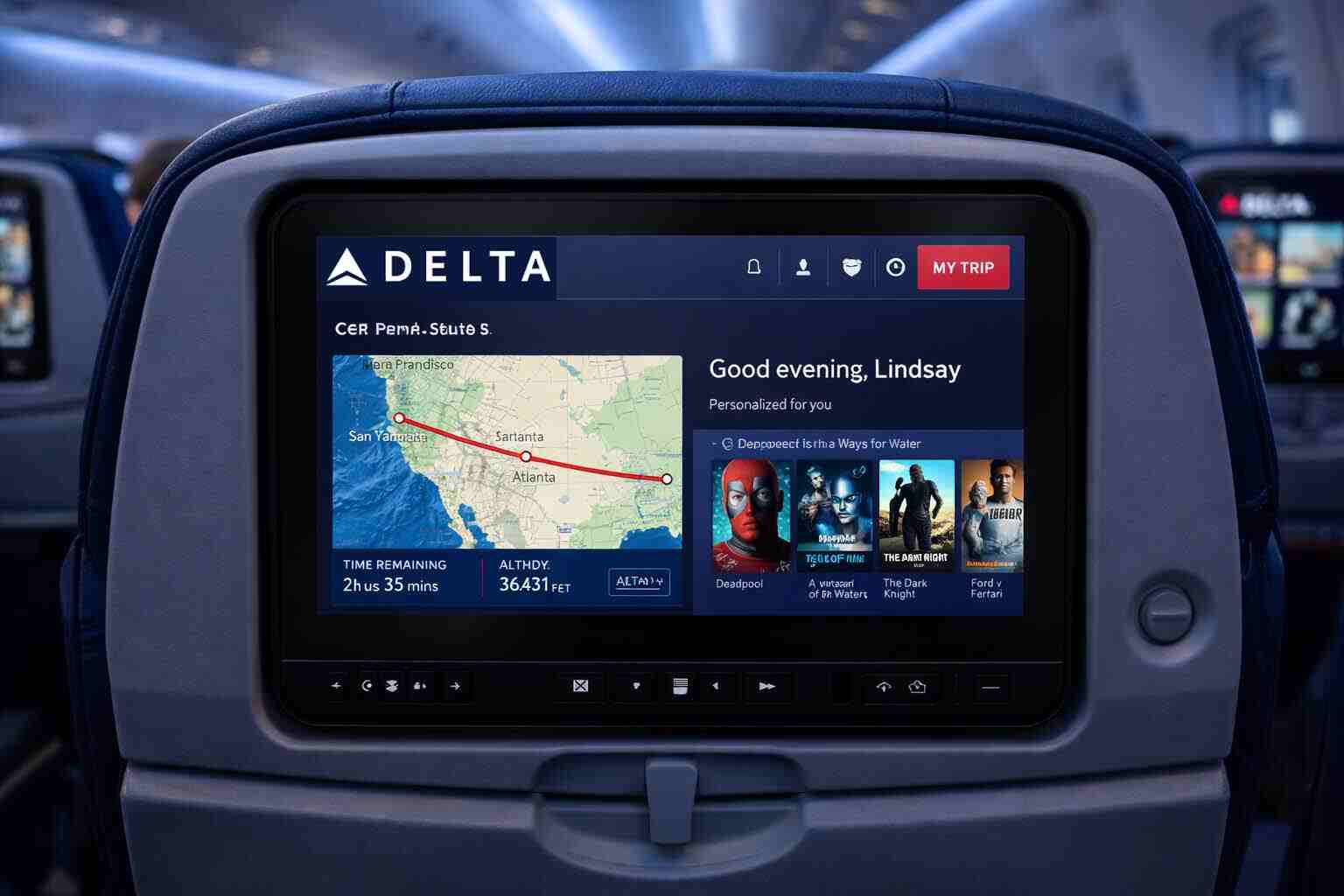
Most of these screens even have touch capabilities, so you can scroll through content, zoom in on maps, or check the weather at your destination.
2. Smaller domestic planes
Planes like the Boeing 737 and Airbus A320 family are often used for domestic flights in the U.S. Some of these planes have cabin seatback screens, and some do not.
Delta recommend that you bring your own device like phone or tablet to stream and watch your favorite entertainment on Delta Studio.
3. Regional flights
If you’re flying on a Delta Connection plane (usually operated by partners like Endeavor Air or SkyWest), the chance to have a TVs on a steam is low.
These are smaller planes designed for shorter flights, but you can still have streaming options and free Wi-Fi.
Aircraft Type
Delta One / First
Premium Select
Comfort+ / Main Cabin
Basic Economy
Notes
Airbus A220-100 / -300
First Class screens
–
Yes
Yes
HD screens at every seat
Airbus A319
First Class screens
–
Yes
Yes
Seatback screens installed
Airbus A320
First Class screens
–
Yes
Yes
Most airplanes have screens
Airbus A321
First Class screens
–
Yes
Yes
Standard seatback screens
Airbus A321neo
First Class screens
–
Yes
Yes
4K Delta Sync + Bluetooth
Airbus A330-200 / -300
Yes
Yes
Yes
Yes
Wide-body international aircraft
Airbus A330-900neo
Yes
Yes
Yes
Yes
Large modern HD screens
Airbus A350-900
Yes
Yes
Yes
Yes
Flagship aircraft, newest screens
Boeing 717-200
No
–
No
No
Streaming to your personal device only
Boeing 737-800 / -900ER
First Class screens
–
Yes (most aircraft)
Yes
You can only stream in some old planes
Boeing 757-200 / -300
Delta One (select routes)
–
Yes
Yes
Most aircraft have TVs
Boeing 767-300ER / -400ER
Yes
Yes (select aircraft)
Yes
Yes
Wide-body with screens in all cabins
Regional Jets (CRJ / ERJ)
No
–
No
No
You can only stream
Which Delta Airlines Have TVs
Not that airplanes that have seatback screens, all cabins (including Basic Economy) have access to the same entertainment library. only the screen size and headphones may vary by cabin.
How to Use Delta In-Flight Entertainment?
Here’s a quick guide to get the most out of your Delta flights:
1. How To Use Delta Seatback Screen?
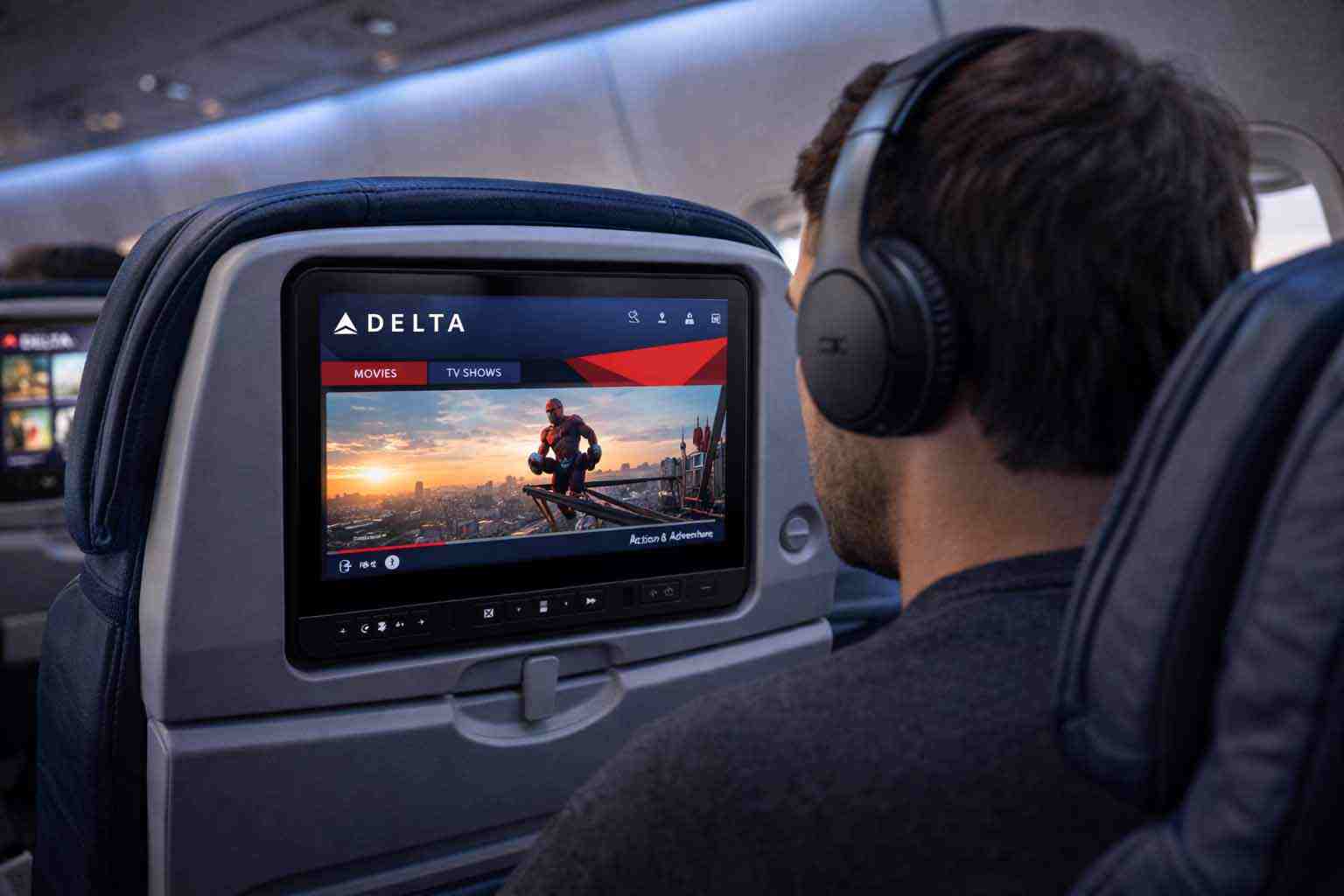
If your plane has a TV screen, it’s usually pretty easy to use it:
Locate the screen on the back of the seat in front of you. Some screens are already visible, while others may be folded into the seat
Wait for the screens to power on, then tap the menu button to access movies, shows, music, and games.
Plug in your headphones (Delta have complimentary ones in Premium cabins; economy passengers may need their own).
Sit back relax and enjoy.
2. How To Stream to Your Device?
Connect to Delta Wi-Fi (look for the network once onboard).
Bring a small portable charger streaming can eat your battery quickly.
Alternatives to Seatback Screens
So what if your plane does not have a TV?
Not all Delta planes have built-in TV screen, but Delta has made sure you’re not left looking at the back of someone else’s seat.
1. Delta Studio streaming on your device
Delta Studio is a free streaming service that works on your smartphone, tablet, or laptop.
All you need is:
A Delta account (or just log in via Wi-Fi)
Delta’s app downloaded before takeoff
With Delta Studio, you can:
Watch movies and TV shows
Listen to music and podcasts
Download the Delta app on App Store or Google Play before your flight . Some flights have limited connectivity during takeoff and landing, so doing it in advance will ensure you will have smooth streaming.
2. Bring your own entertainment
A well prepared traveler is a happy traveler.
It might sound obvious, but before a long haul flight always make sure to:
Download your favorite shows offline hours before your flight (don’t wait until the airpot)
Bring a laptop or tablet packed with your favorite movies
Pack a small book or e-reader (yes, old-school works too)
3. Delta Wi-Fi
Delta offers free Wi-Fi on most of its flights.
It’s not always fast, but it’s good for:
Streaming content from Delta Studio
Checking emails
Browsing social media
You can even use the Wi-Fi to watch Netflix or Hulu via a laptop, though keep in mind speed can vary depending on the plane and route.
Here Are Some Helpful Tips to Make Sure You Have a TV on Your Next Delta Flight.
1. Choose your seat wisely
Some planes have “entertainment-equipped” rows while others don’t.
If you really want a seatback screen, choose:
Front and middle sections of wide-body planes
Avoid regional jets if you need a screen
Use seat review sites like AeroLOPA to check before booking
2. Don’t forget the kids
If you’re traveling with children, seatback screens can be a lifesaver.
But if your flight doesn’t have them, download movies or games while you are at home.
Delta Studio also has kid-friendly content that you can stream on your device.
3. Entertainment hacks
Bring a foldable tablet stand for comfortable hands-free viewing.
Use Bluetooth headphones some planes allow pairing with the seatback screen.
Check if your Delta credit card perks include in-flight entertainment upgrades in premium cabins.
4. Make the flight part of the adventure
Even without a screen, there’s fun to be had:
Try in-flight meal tasting challenges (guess the flavor)
Take photos of the wing views or clouds some Instagrammable moments appear only from 30,000 feet
Start a travel journal or sketch your journey
Final Thoughts
Most Delta planes has seatback screens that is like mart TVs, but that doesn’t mean you’ll be bored in some planes that don’t have TVs.
Whether you’re flying domestically or on internationally, Delta has options to keep you entertained.
Between Delta Studio streaming, Wi-Fi, personal devices, and a few clever travel hacks, you can make your flight enjoyable, productive, or even fun.
And who knows sometimes staring out the window is the best screen you’ll ever see.
I hope this helps
Happy travels
FAQs About Delta Airlines TVs
Do all Delta international flights have seatback screens? Not all Delta international flights feature seatback screens, some older or specific narrowbody aircraft may not have TVs.
Can I stream Netflix or Hulu on Delta flights? Not directly on Seatback screens Delta Studio, but you can stream on your own device.
Do Delta Give headphones On Board The Airplanes? Yes, in Premium cabins. But if you are flying Economy you will need to bring your own headphones.
Can I use Bluetooth headphones with Delta seatback screens? Bluetooth pairing is available on some planes, such as some Boeing 767s, as Delta is still testing this feature.
How do I know if my flight has a TVs before booking? You can check the Delta plane type you are flying and compare I with the table above. Look for wide-body planes for guaranteed seatback screens.
What is Delta Sync seatback? Delta Sync is an upgraded seatback system that provides a personalized experience, it allows you to pick up where you left off on your previous flights and explore interactive maps.
Do all Delta seatback screens have the same features? No, features like Delta Sync personalization, Bluetooth pairing, and newer content partnerships may vary depending on the aircraft.
Is there a “Do Not Disturb” option on Delta seatback screens? Yes, the new screens include a “Do Not Disturb” feature to alert flight attendants when you prefer not to be interrupted.
Do Delta planes have live TV? Yes, in some wide-body aircraft and some domestic planes have live TV channels through the seatback screens. but the availability varies by plane and route, so double check your specific flight if live TV is important.
Gargie, is writer, traveler & a digital marketing specialist
passionate about traveling and exploring new cultures. She is a savvy traveler who likes to pack light, testing various luggage brands and seeking out budget-friendly airline options. Gargie enjoys creating unique recipes when she’s not on the go.