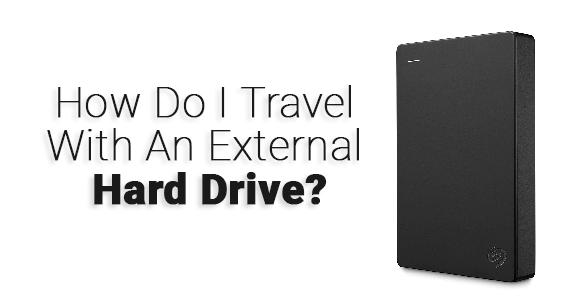
Traveling with sensitive files and electronics like external hard drives will need some advanced security and protection, but can you take an external hard drive on a Plane?.
Here is the short answer: You can bring external hard drives on most airlines in both carry on and checked bags without any restrictions, however, it is recommended that you take your hard drives or any other electronics inside your carry-on bag or personal item, taking hard drives, gadgets or other fragile items in checked luggage are not guaranteed that they will remain safe and undamaged.
In this post I will cover everything you need to know about taking external hard drives on planes, in both carry-on and checked bags.
Let’s dive right in.
TL;DR
- You can bring an external hard drive on a plane in both your carry-on and checked bags.
- It is best to keep a hard drive in your carry-on, because hard drives are fragile.
- The TSA allows external hard drives through airport security, but they may ask you to remove it them from your bag for screening.
- Airport security usually does not check your files, although customs officers may inspect your device if required by law.
- International flights have no specific restrictions on external hard drives.
- If you must pack it in checked luggage, wrap it well with clothing or bubble wrap and place it in the middle of your suitcase for added protection.
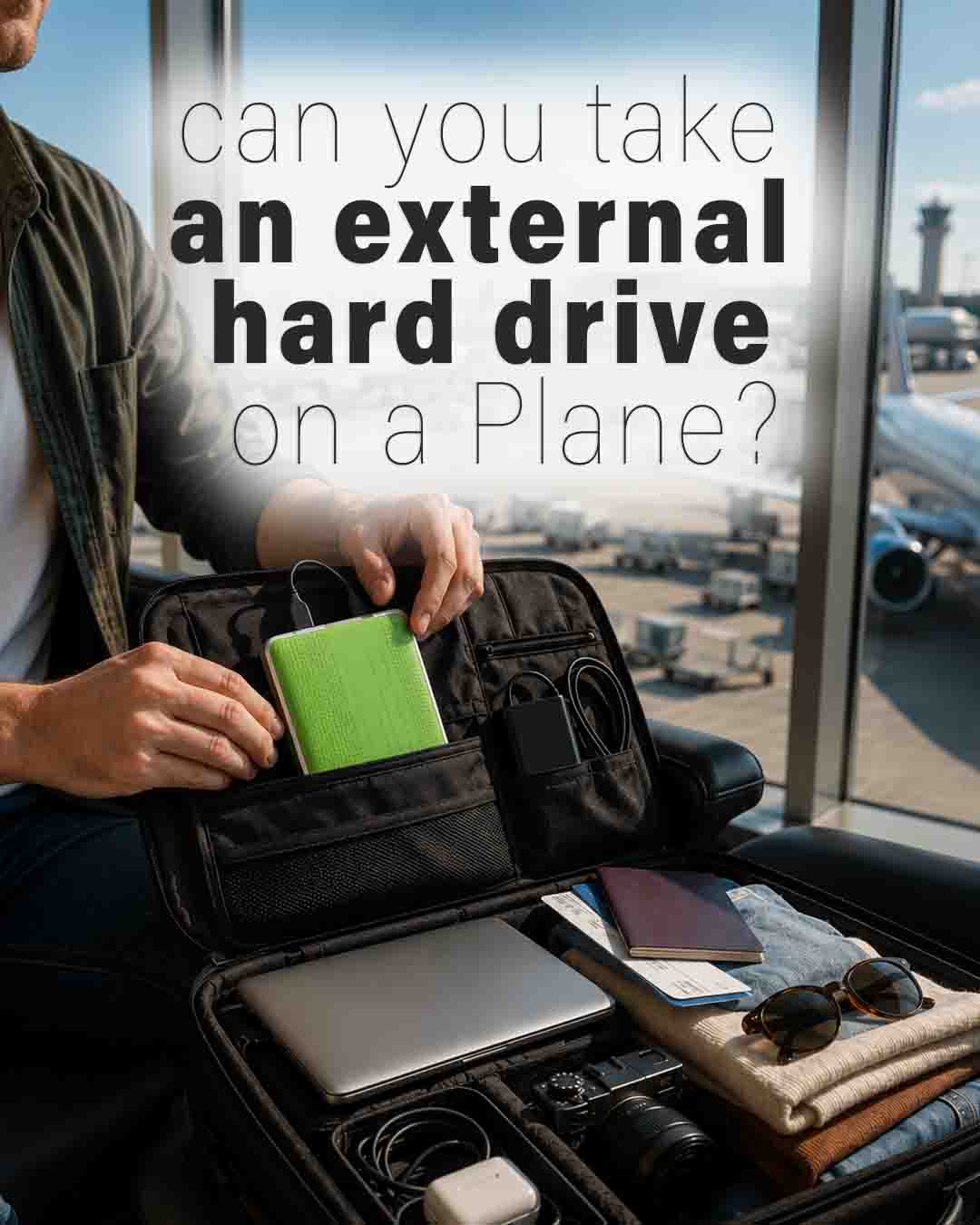
Can You Take External Hard Drive Through The Security Checkpoint?
According to the TSA (Transportation Security Administration), you are permitted to bring external hard drives or any computer parts in general through the security checkpoint without any problem.

The TSA agent may ask you to remove your external hard drive from your bag and place it with your electronics in a separate bin.
As the TSA always states, “The final decision rests with the TSA officer on whether an item is allowed through the checkpoint.”
But obviously, I see no reason why a TSA officer or airport security would prohibit taking hard drives or computer parts in the cabin.
Do Airports Check External Hard Drives?
If you mean the content, saved files, or stored information,
No.
Most airports will not check your external hard drive or other electronics like your phone or laptop. However, they may scan it to make sure it does not contain any prohibited objects inside, but they won’t check its contents or stored information.
For domestic flights, there is no need to worry when traveling with external hard drives. However, for international flights, the country of your destination may have stricter rules regarding the items you are bringing, including electronics.
So if airport security asks what is stored on your hard drive, just tell them politely about the contents of your drive.
Note that airport security or customs may have the legal authority to inspect your hard drive and search its contents for illegal material.
Can You Take External Hard Disks In Carry-on Luggage?
Yes, external hard drives are allowed in hand luggage, and it is recommended to keep them in your carry-on at all times.
Electronics are easily damaged, and you don’t want to pack your hard drive in checked baggage, especially if it contains important files or information.
Tinner asked the TSA if this WD Elements external hard drive is allowed in carry-on luggage, and the TSA customer service replied that external hard drives are allowed in carry-on luggage without any problem.

Can You Take External Hard Drive In Checked Luggage?
Yes, you can pack your external hard drive inside your checked luggage.
But it is not recommended.
Transporting hard drives or any other electronics in your checked suitcase puts them at risk of being damaged.
Just like laptops, iPads, or tablets, hard drives can be broken or lost during transit.
But if you don’t have a choice and you want to put it in your checked luggage anyway, be sure to wrap your hard drive in a towel or a piece of cloth.
In addition, most airlines will not compensate you for expensive items or electronics that are broken, damaged, or lost in your checked luggage.
How Do You Safely Transport a Hard Drive?
The best way to transport your hard drive is to wrap it inside your clothes or a towel and place it in the middle of your suitcase.
You can also use bubble wrap, which works well for fragile items.
If you are traveling with a personal item that will be placed under the seat in front of you, that is even safer than storing it in the overhead compartment.
What Is The Best External Hard Drive For Travel?

When traveling, you want to have a backup hard drive that you can use anywhere for work, photos, or storing large video files, so a good portable external hard drive is essential.
So we decided to help you by mentioning some good picks from Amazon if you are planning to upgrade to a new external hard drive.
Traditional (HDD) hard disk drives are more affordable and offer higher capacities, but they are a little bulkier.
On the other hand, (SSD) solid-state drives are great for travel since they are easier to carry, lighter, more durable, and offer better performance.
You can also go with the SanDisk 1TB Extreme Portable SSD – External Solid State Drive. With its high-capacity storage and speed, you can use it anywhere to accelerate your work and manage your data.
Can You Carry Hard Disks On International Flight?
There are no restrictions on traveling with hard disks on international flights. You can pretty much take any type of external hard drive to the airport without limits.
Airport security may ask you to remove your hard drive from your bag, but overall you won’t face any problems.
So it should never be an issue, as long as you are carrying your own personal external hard drive.
As stated above, do not transport your hard drive or any other electronics in checked luggage.
There is a greater risk that your electronics will be damaged, and the airline will not take responsibility for them.
Final Thoughts
You can bring external hard drives on your flight in both carry-on and checked luggage without any problem.
Make sure that you keep your hard drives and any other electronics inside your carry-on bag or personal item.
Gadgets and other sensitive electronics packed in checked luggage are more likely to be damaged, stolen, or lost.
I hope this helps
Happy travels.
FAQs About Taking External Hard Drives on Planes
Can airport X-ray machines damage an external hard drive?
Airport X-ray machines won’t damage your external hard drive or erase your files. Both HDDs and SSDs can safely go through the security scanner.
How many external hard drives can you bring on a plane?
There isn’t a TSA limit on how many external hard drives you can bring. Just make sure to take a look at your airline carry-on and checked baggage size an weight.
Should I carry my external hard drive in my carry-on or checked luggage?
Carry it in your carry-on if you can. You’ll have better control over it, and it’s much less likely to get damaged, lost, or stolen than in checked luggage.
Can I bring an SSD on a plane?
Portable SSDs are allowed in both carry-on and checked bags. They’re actually a great choice for travel because they’re lightweight and more resistant to bumps than traditional hard drives.
Can airport security inspect my external hard drive?
Airport security may ask to inspect your hard drive if they need to take a closer look. In some countries, customs officers may also inspect electronic devices if required by law.
Should I back up my external hard drive before flying?
It’s a smart idea to back up your important files before you travel. Hard drives are generally safe to fly with, but accidents, loss, or damage can still happen.
Do airlines have restrictions on external hard drives?
Most airlines allow external hard drives in both carry-on and checked bags. Just make sure your bag meets your airline’s size and weight limits.
Can I travel with multiple external hard drives on an international flight?
You can travel with multiple external hard drives on international flights. If you’re carrying several drives, customs officers may ask what they’re for, so be prepared to answer if needed.
People also ask:
- Can You Take Batteries On a Plane?
- Can i Bring a Phone Charger On a Plane?
- Can You Take An Xbox On A Plane?
- Can I take Headphones on a plane?